Migration
AI to WordPress migration
How layouts, images, navigation, metadata and responsive rules survive the move from a generated site to a content-managed one.
Independent editorial project · edlupt.eu
Digital transformation is no longer a procurement exercise. It is a question of whether the things an organisation publishes today will still be readable, editable and findable in ten years. We study that question across three connected fields: interoperability and open standards in Europe, the new generation of AI website builders, and the discipline of moving a living website from one technology to another without losing its design, its assets or its search visibility.
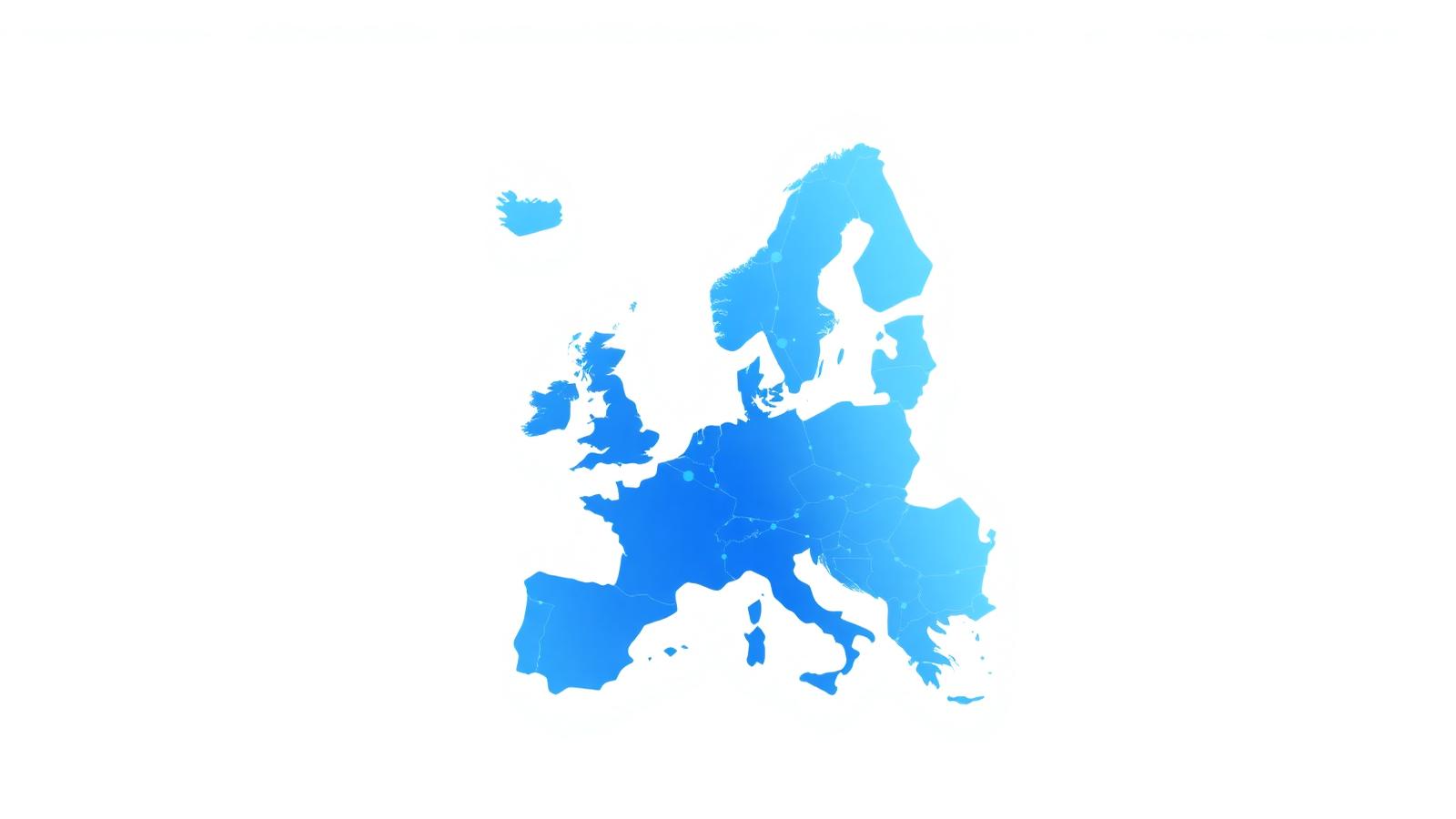
European organisations have spent a decade building digital capacity: shared identity schemes, open data portals, machine-readable registers, cross-border service catalogues. The vocabulary of that work — interoperability, reusability, open standards, technological neutrality — was written for back-office systems and data exchange. It applies just as directly to something far more visible: the public website.
A website is the layer where an institution's research, services and communication become citizen-facing. It is also the layer that changes technology most often. A department that published in static HTML in 2010, moved to a proprietary page builder in 2016 and prototyped a new front end with an AI builder in 2025 has, in effect, run three migrations. Each one risked orphaning PDFs, breaking permalinks, dropping metadata and losing accumulated search authority. That is a digital preservation problem, not merely a design refresh.
Our editorial position is simple: a platform choice is only responsible if you already know how you would leave it. That is why our coverage of AI website builders always ends with export options, and why our reference material on AI to WordPress migration is written around preservation rather than novelty. For the deep technical procedures behind each platform, we point readers to the migration guide library on convert2wp.net, which documents the conversion steps far below the level of an editorial article.
The useful definition of digital transformation is unglamorous: reducing the cost of change. An organisation is transformed when publishing a new service page, translating it, archiving it or moving it to a different stack is routine rather than a project. Most of the failures we document come from the opposite condition — content locked inside a rendering engine, with no clean way to extract structure.
Three properties reliably reduce that cost. First, content must be separable from presentation, so a redesign never becomes a re-authoring exercise. Second, URLs must be treated as permanent public identifiers rather than as an artefact of the current CMS. Third, metadata — titles, descriptions, canonical tags, language attributes, structured data — must live with the content, not in a plugin configuration nobody can export. We expand on all three in our European digital transformation overview.
Generative builders changed the first ninety percent of web production. A working, responsive, accessible-ish marketing site can now exist within an hour, produced by describing it. Tools such as Lovable and Bolt.new generate real React applications, Framer and Webflow generate polished visual sites with their own hosting, and Cursor AI, Claude and Google AI Studio act as code-level collaborators inside an existing project.
The remaining ten percent is where institutions get stuck: editorial workflow, roles and permissions, translation, archival, long-term hosting cost, and the ability to hand the site to a different supplier in three years. That is the classic argument for a mature CMS, and it is why so many AI-built projects end up as a portability question rather than a design question. If you are comparing tools before committing, the 2026 AI builder comparison is a solid technical starting point.
Most contemporary front ends are component-based. A React application composes its interface from functions; a Next.js application adds routing, server rendering and static generation on top. Both produce excellent user experiences and both create a specific migration profile: the markup a visitor sees is the output of a build step, not a file an editor can open.
Migration therefore means reconstructing intent. Which repeated component is a post type? Which prop is a custom field? Which route pattern is an archive page? Our practical walk through that mapping is in the React to WordPress article, with the rendering-mode nuances covered in our Next.js piece. Readers who want the step-by-step conversion procedure can consult the React migration guide and the Next.js migration guide directly.
WordPress is not fashionable, and that is precisely its value in this context. It is open source, self-hostable inside the EU, exportable in a documented format, addressable through a REST API, translatable, and supported by a labour market that will still exist next decade. For an institution whose obligation is continuity rather than novelty, those are the relevant properties.
Moving to it well is a craft. Layout fidelity, image handling, redirect maps, structured data and responsive behaviour all have to be carried across deliberately — see the post-migration SEO checklist and the image optimisation documentation for the operational detail, or read our editorial treatment of SEO preservation first.
Interoperability is usually described between organisations, but its most common failure is between versions of the same organisation. The 2019 site cannot talk to the 2026 site because nobody kept a stable identifier scheme. Open standards fix that cheaply: HTML for documents, JSON for structured payloads, schema.org for meaning, HTTP redirects for identity continuity, and plain files for archives.
Applied to a website migration this becomes a short, testable list: every old URL resolves or redirects; every image survives with its alt text; every language variant keeps its hreflang relationship; every published document keeps a permanent address. Our interoperability article turns that into a working checklist, and the website portability checklist adds the platform-specific tests.
Eight entry points covering the platforms and frameworks that generate the most migration questions.
Migration
Platforms
Framework
Framework
Design tools
Case
Search
Library
Questions
The edlupt.eu domain previously hosted an academic publication environment associated with interdisciplinary European studies, including a peer-reviewed review on European integration and policy. That history informs our subject matter — scholarly publishing, interoperability, and the long-term availability of research on the web — but this site is a new, independent educational resource. It does not continue, represent or speak for any previous centre, network or European Union institution, and nothing published here should be read as official information.
What we did keep is the underlying question that academic web publishing raises so sharply: how do you make sure a body of work outlives the platform it was published on? Our article on preserving academic web publishing answers it, and the open data and conversion case study shows a comparable project handled end to end.
EDLUPT is an independent editorial project covering European digital transformation, interoperability, open standards and the practical migration of modern websites to durable platforms such as WordPress.
Yes. Sites produced by Lovable, Framer, Webflow, Bolt.new, Replit, v0.dev, Claude, Cursor AI, Google AI Studio and Base44 output standard HTML, CSS, JavaScript or React code, and that output can be mapped onto a WordPress theme with its layouts, images, metadata and URL structure preserved.
Not when the migration keeps URLs stable, redirects anything that changes with 301 responses, and carries titles, meta descriptions, canonical tags, structured data and image alt text across unchanged.
Twenty-seven more are answered on the FAQ page, and the website conversion documentation covers the technical procedures behind them.